Make a movie by chatting.
Connect Akyn to ChatGPT or Claude. Describe an idea and get back a timed, scene-by-scene script and a pencil storyboard, saved straight to your Akyn account.
https://akyn.pro/api/mcpPaste this into Claude or ChatGPT. Setup takes about a minute.
I made The Return Signal in Akyn: 10 scenes, 24 seconds. Here are a few of the sketches.
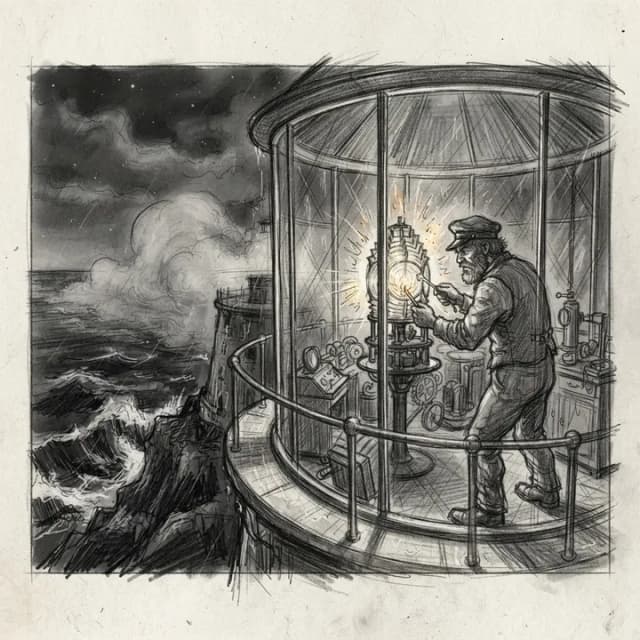
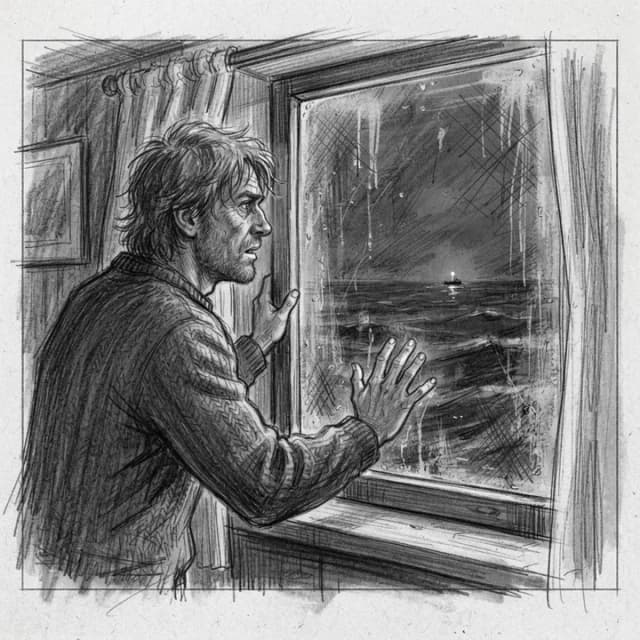
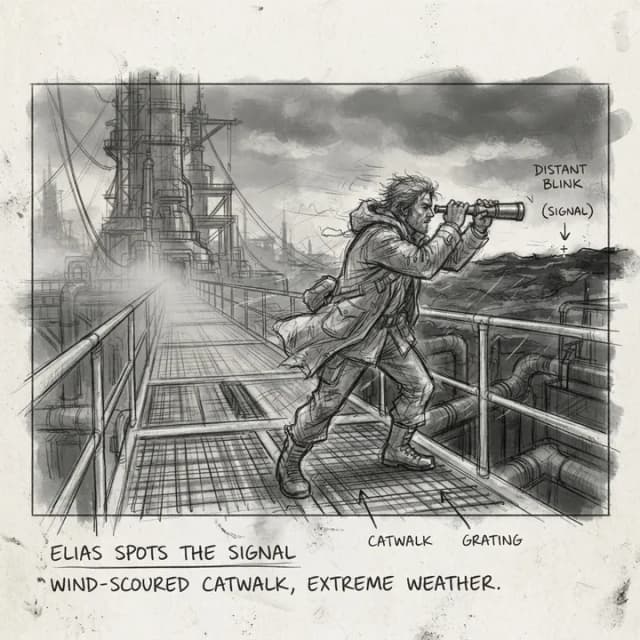
Illustrated conversation. The sketches are real Akyn output.
All of this came back from one message.
The script, the timings, and every sketch below were generated from the request above, then saved as a project in Akyn, ready to cast and shoot.
- Production
- The Return Signal
- Format
- Trailer, mystery
- Running time
- 0:24, 10 scenes
- Made with
- Akyn connector
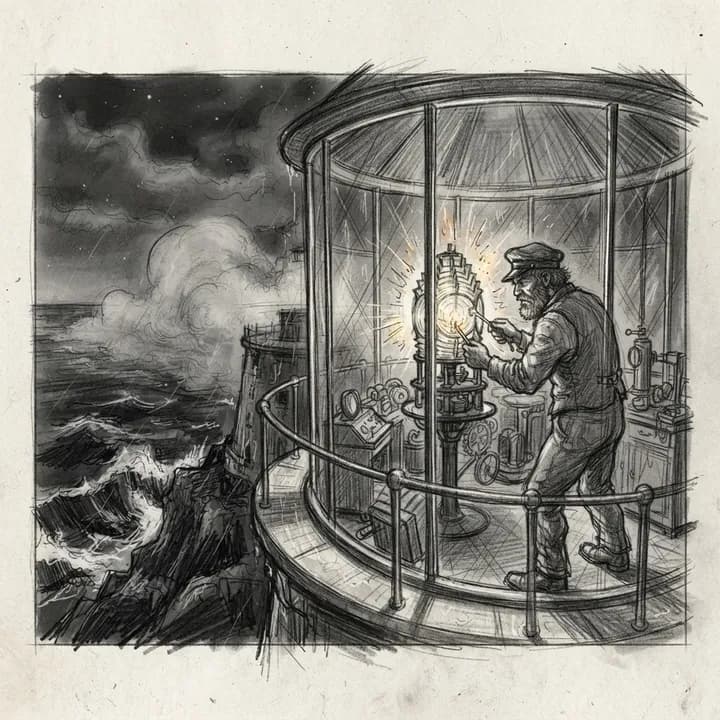 Sc 10:00–0:03
On a cliffside lighthouse at night, old keeper Elias trims the lantern while fog rolls over black water.
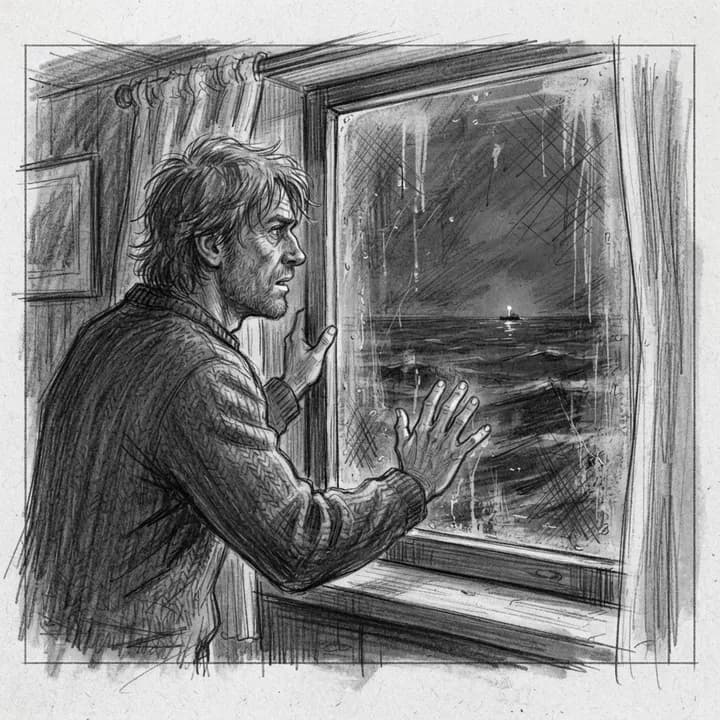 Sc 20:03–0:06
Through a salt-streaked window, Elias freezes as a lone pinprick blinks far out at sea.
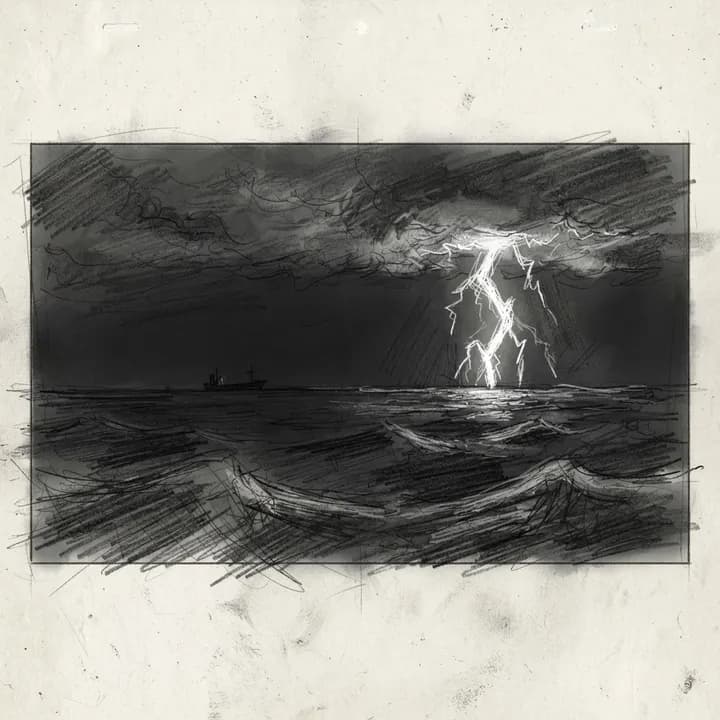 Sc 30:06–0:08
Far offshore, a cold white flash stabs the darkness.
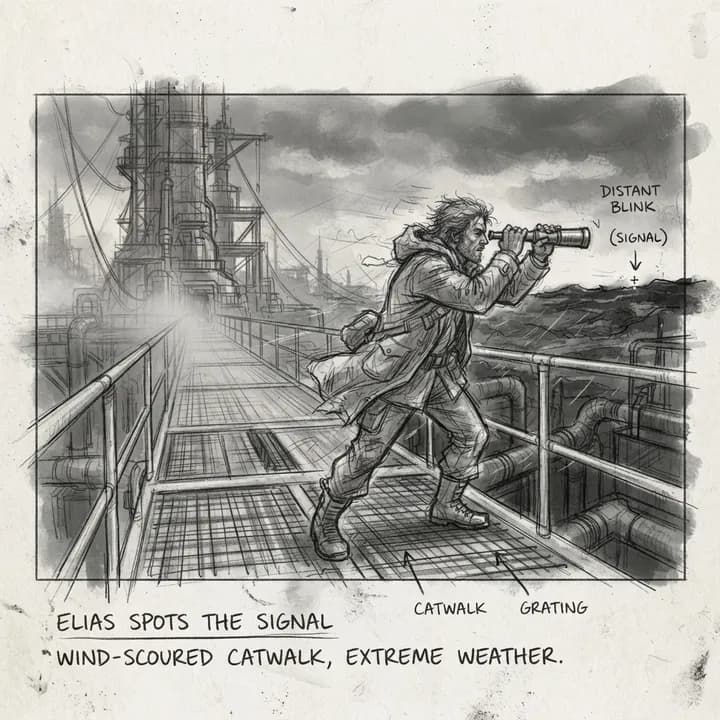 Sc 40:08–0:11
On the wind-scoured catwalk, Elias lifts a brass spyglass toward the distant blink.
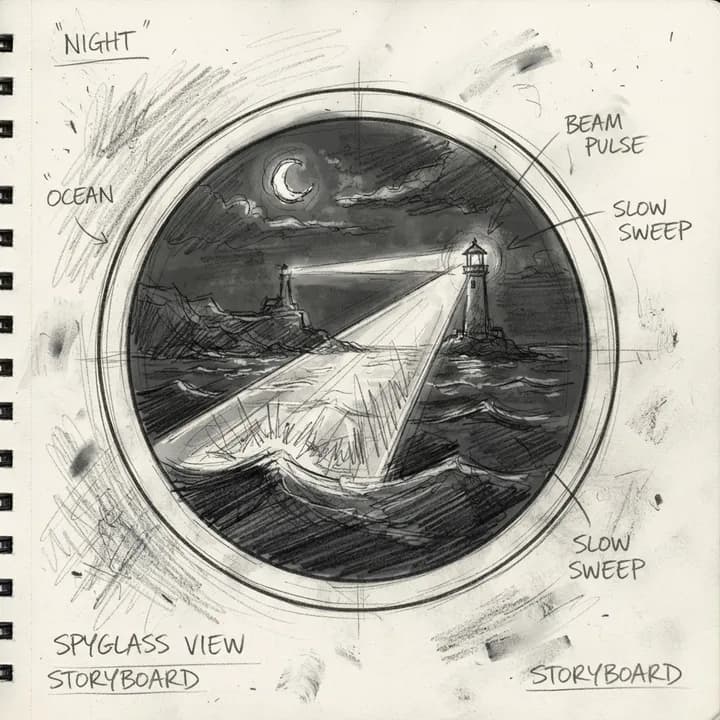 Sc 50:11–0:13
Through the spyglass, the sea light pulses exactly with the lighthouse’s slow sweeping beam.
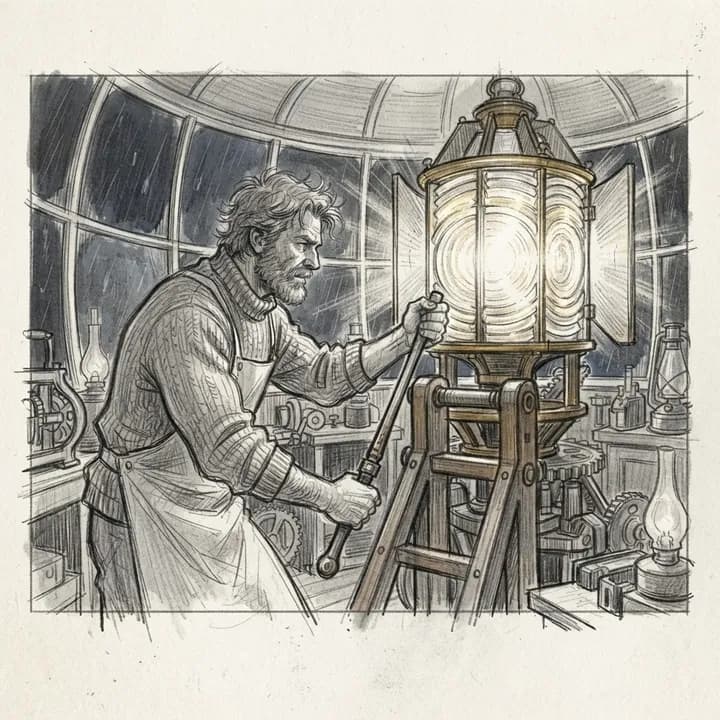 Sc 60:13–0:16
Inside the lantern room, Elias works the shutter lever to send three measured blinks.
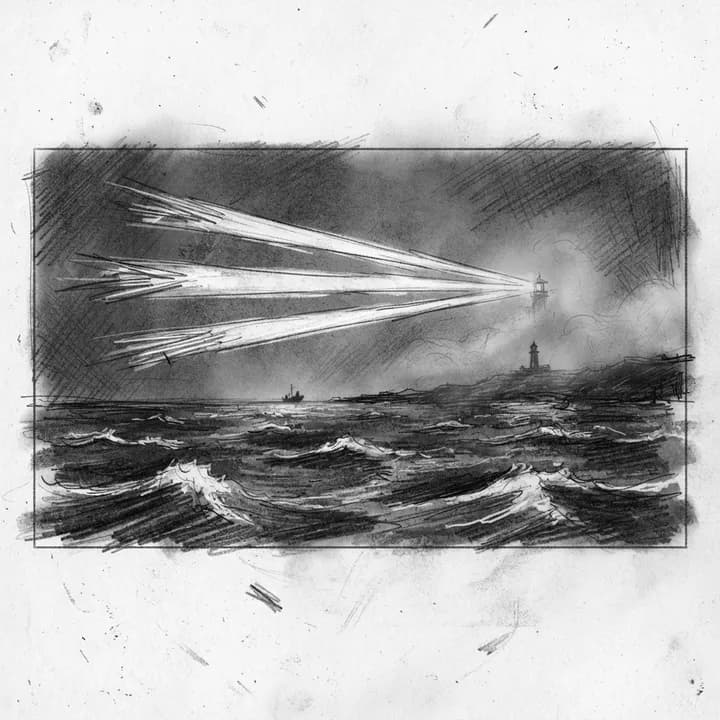 Sc 70:16–0:17
Out at sea, three quick blinks slice through the mist.
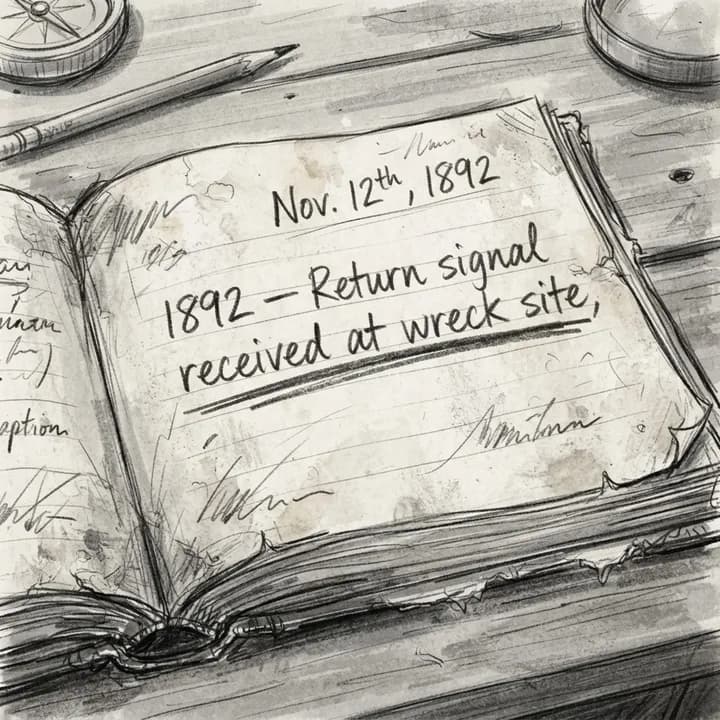 Sc 80:17–0:19
An open logbook shows a faded entry: 1892, return signal received at wreck site.
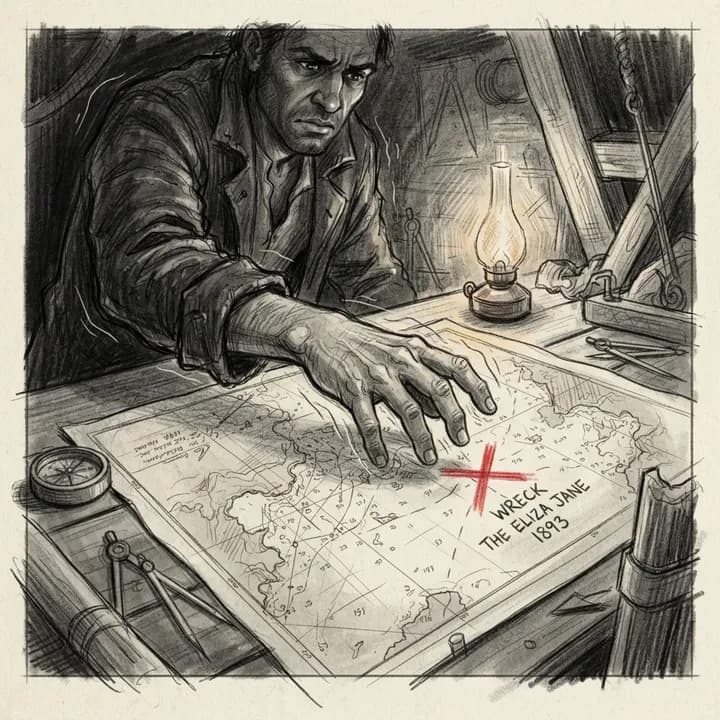 Sc 90:19–0:21
Elias’ trembling hand hovers over a nautical chart where a red X marks the wreck beneath the light.
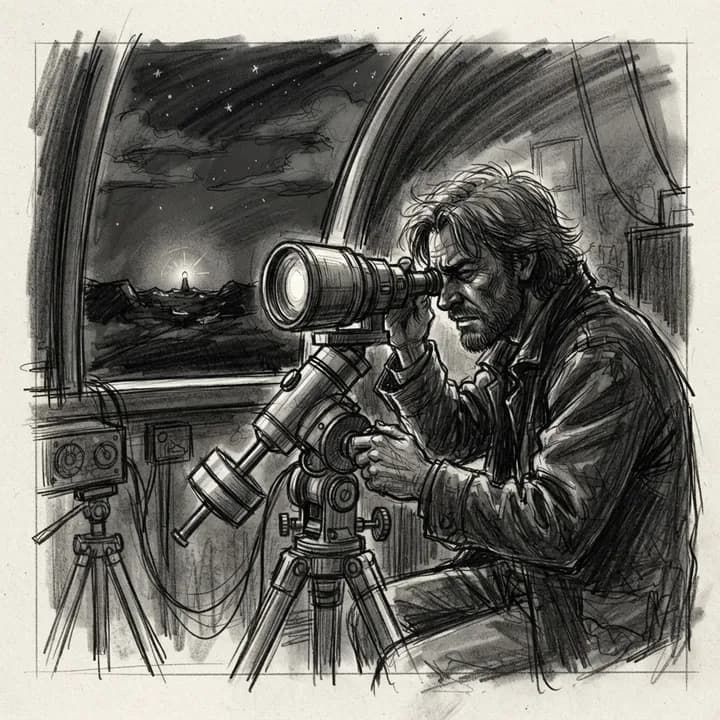 Sc 100:21–0:24
In sudden darkness around the lens, Elias watches the far light keep blinking with deliberate patience.
Three steps, once.
- 1
Add Akyn as a connector
Paste the connector URL into Claude or ChatGPT.
- 2
Sign in with Akyn
Approve access on akyn.pro. The assistant only ever sees your own projects.
- 3
Describe your video
Ask for a story, trailer, or ad. Akyn writes the script and draws the storyboard.
Set it up
You need the connector URL and a free Akyn account. Nothing to install.
https://akyn.pro/api/mcp- 1Open Settings, then Connectors.
- 2Choose Add custom connector.
- 3Name it Akyn and paste https://akyn.pro/api/mcp.
- 4Select Connect, sign in to Akyn, and choose Allow.
- 5In a chat, turn on Akyn from the tools menu and describe your video.
Custom connectors are available on paid Claude plans, on the web and in the desktop app.
What you can ask for
Today
- Turn an idea into a timed script, 1 to 8 seconds per scene, up to two minutes long.
- Draw a pencil storyboard for every scene, or redraw the ones you want.
- List your Akyn projects and open any of them, with scene status and sketch links.
- Check your credits and how many free sketches are left today.
Coming next
- Generate video clips from your scenes, right from the chat.
- Add narration and voiceover to a project.
- Find Akyn in the Claude and ChatGPT app directories, no URL needed.
What it costs
Scripts are free. Sketches use your 20 free daily sketches first, then 0.1 credits each, the same as on akyn.pro. There is no separate subscription for the connector.
Your account stays yours
You approve access on akyn.pro, and the assistant can only reach your own projects. Akyn receives the requests the assistant sends, never the rest of your chat. Disconnect any time.
Questions
Do I need an Akyn account?
Yes. Signing up is free, and you get 20 free sketches every day. When the assistant connects, you sign in on akyn.pro and approve access.
Where do my projects end up?
In your Akyn dashboard, like any other project. Open it on akyn.pro to edit the script, cast characters, and generate video.
Can it make the video too?
Not from the chat yet. Video clips are next on the list. Today, open the project on akyn.pro and generate video from the same scenes.
What can the assistant see?
Only your own Akyn projects, and only the requests it sends to Akyn. Akyn never sees the rest of your chat. Disconnect any time from the connector settings in Claude or ChatGPT.
Which plans does it work on?
Claude custom connectors need a paid Claude plan. In ChatGPT, add Akyn under Plugins as a custom MCP server on Plus or Pro.
Your next video starts with a sentence.
https://akyn.pro/api/mcp